
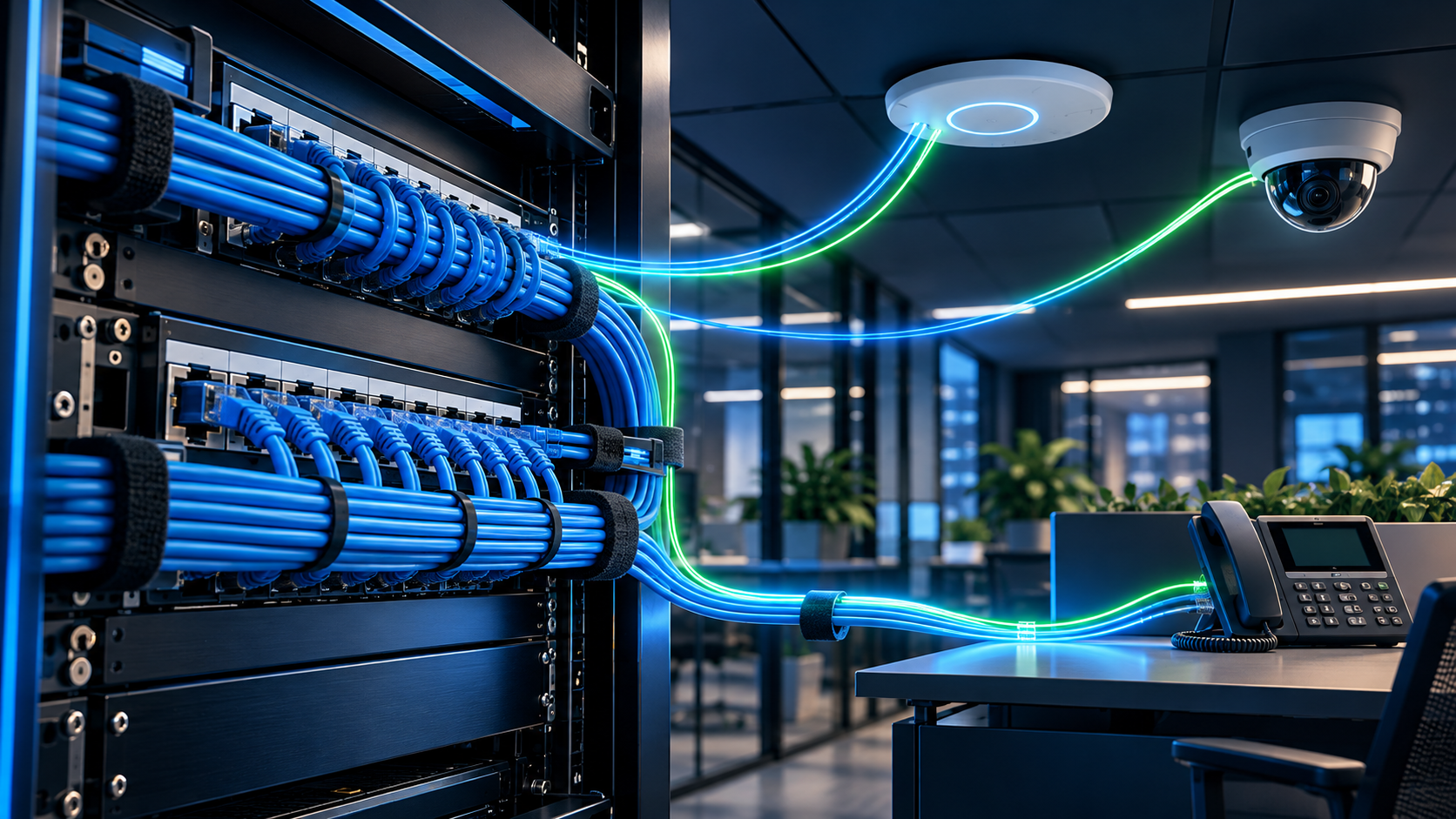
The shiny equipment is only part of the project
A Wi-Fi refresh or camera expansion can look straightforward on a quote: replace the devices, plug them in, and enjoy the improvement. Meanwhile, the cable above the ceiling has been surviving on optimism since the last office move.
Before you approve a fourth-quarter upgrade, ask whether the physical network is ready for the equipment you plan to install. The answer may be yes. It may also be a few targeted repairs, a switch change, or a different installation sequence. Finding out before the installer arrives is considerably cheaper than discovering it while employees wait for everything to come back online.
This is a business purchasing checklist, not a reason to replace every cable in the building. The goal is to buy an improvement you can actually use.
1. Start with the job each device must do
Write down the locations, workloads, and operating conditions first. Where do employees lose wireless coverage? Which entrances or production areas need camera coverage? Which devices must keep working during an interruption?
Ask the proposed vendor to identify the exact equipment models, network-port requirements, power requirements, and planned mounting locations. A family name or a line reading “PoE switch” is not enough to establish compatibility.
- Device count and location, including planned expansion
- Required wireless coverage or camera view
- Expected network speed and traffic paths
- Power requirements for the selected models
- Business owner responsible for accepting the finished work
2. Ask for cable evidence, not a blinking light
A link light tells you a connection exists. It does not tell you that the installed link will reliably support the application you are buying. Ask for appropriate certification results tied to labeled outlets, plus investigation of damaged cable, poor terminations, and undocumented changes.
Power over Ethernet, or PoE, sends power and data over the network cable. Fluke Networks explains that uneven conductor resistance can interfere with PoE operation and data performance. Its guidance recommends resistance-unbalance checks for PoE assurance; these are not automatically included in every ordinary field-certification requirement.
Ask the cabling professional which tests fit your project and whether the report includes the relevant PoE checks. Keep the actual results, not merely a verbal assurance that somebody tested it.
Technical reference: Fluke Networks on DC resistance-unbalance testing
3. Check power per port and across the whole switch
The switch needs to support the power method required by each device and have enough total available power for the planned installation. Enough physical ports does not mean enough power.
Cisco's current access-point guidance distinguishes model-specific power compatibility, total switch power budget, and power negotiation. It also documents that insufficient power can limit features or prevent some access points from operating normally. Exact behavior depends on the model and configuration.
Have the installer document the proposed power allocation and available capacity using the manufacturer's requirements. Include other devices already using the switch, future additions, and any changes to its power supply. A successful test with one access point is not an acceptance test for the whole floor.
Technical reference: Cisco access-point power requirements and switch-budget checks
4. Follow the connection beyond the wall jack
Ask your technical team to trace the complete path: device, installed cable, switch port, uplink, and the application or storage destination. Have them confirm that the planned speeds and workloads are supported along that path.
For cameras, define where footage is recorded, who can view it, and how the system behaves when its network or recording destination is unavailable. For Wi-Fi, agree on the applications and work areas that must perform well. A speed test beside an access point does not answer whether a warehouse scanner or a meeting-room call works where people actually use it.
Keep internet performance, local network performance, coverage, and device power as separate questions. Replacing the wireless equipment cannot resolve every problem in those other systems.
5. Put the invisible work in the quote
Compare proposals on their complete scope. Cable pathways, terminations, patch cords, rack organization, equipment mounting, labeling, testing, and documentation can matter as much as the device line items.
Agree on who coordinates access to the space, any landlord or facility approvals, work around occupied areas, and restoration of service. Have the appropriate professionals determine site-specific installation and safety requirements. Do not let a vague exclusion become a surprise bill on installation day.
- A location plan and clearly labeled cable endpoints
- A stated test scope and delivery of test reports
- A switch-port and device inventory
- A planned outage window and recovery procedure
- Defined exclusions, change approval, and ongoing support ownership
6. Accept the business outcome before closing the project
Write the acceptance checklist before installation. Walk the actual work areas, exercise the required applications, and confirm the camera views or wireless coverage you agreed to buy. Let the technical team check the full planned device load and record outstanding issues.
Collect the final drawings, port assignments, test results, equipment inventory, support contacts, and securely transferred administrative access. Decide who maintains those records when devices move or another location opens. A network closet should not require an archaeological expedition every time a camera goes offline.
- Required devices operate together in the intended configuration
- Employees can complete the agreed workflows in the required locations
- Any interruption and recovery behavior is understood
- Open issues have named owners and deadlines
- Documentation and support responsibilities are handed over
A sensible first step for your next upgrade
Ask for a readiness review before committing to the equipment order. Classify existing links as suitable, needing repair or further testing, or requiring replacement. Match the cabling work and switch changes to the business priority rather than buying a building-wide refresh by default.
Comnexiom helps business owners connect structured cabling, network infrastructure, physical security, and technology planning into one practical project. Start with the operating problem and the outcome you need. We can help determine what deserves attention before the new hardware becomes an expensive distraction.
COMMON QUESTIONS
Questions business leaders ask about structured cabling & infrastructure
Do new Wi-Fi access points or cameras always require new cabling?
No. Existing cabling may be suitable. Review the selected devices' requirements and appropriate installed-link test results before deciding what to reuse, repair, or replace.
What is a PoE power budget?
It is the total power a switch can provide to connected devices in its configured setup. The installation must meet both each device's power requirements and the switch's available overall capacity.
Does a working Ethernet connection prove a cable is ready for PoE?
No. A working connection does not establish every performance or power characteristic. Ask which installed-link and PoE-related checks are appropriate for the intended equipment.
What should a business receive after a cabling or device upgrade?
Receive the agreed test results, location and cable labels, port assignments, equipment inventory, acceptance results, secure administrative handoff, and documented support responsibilities.